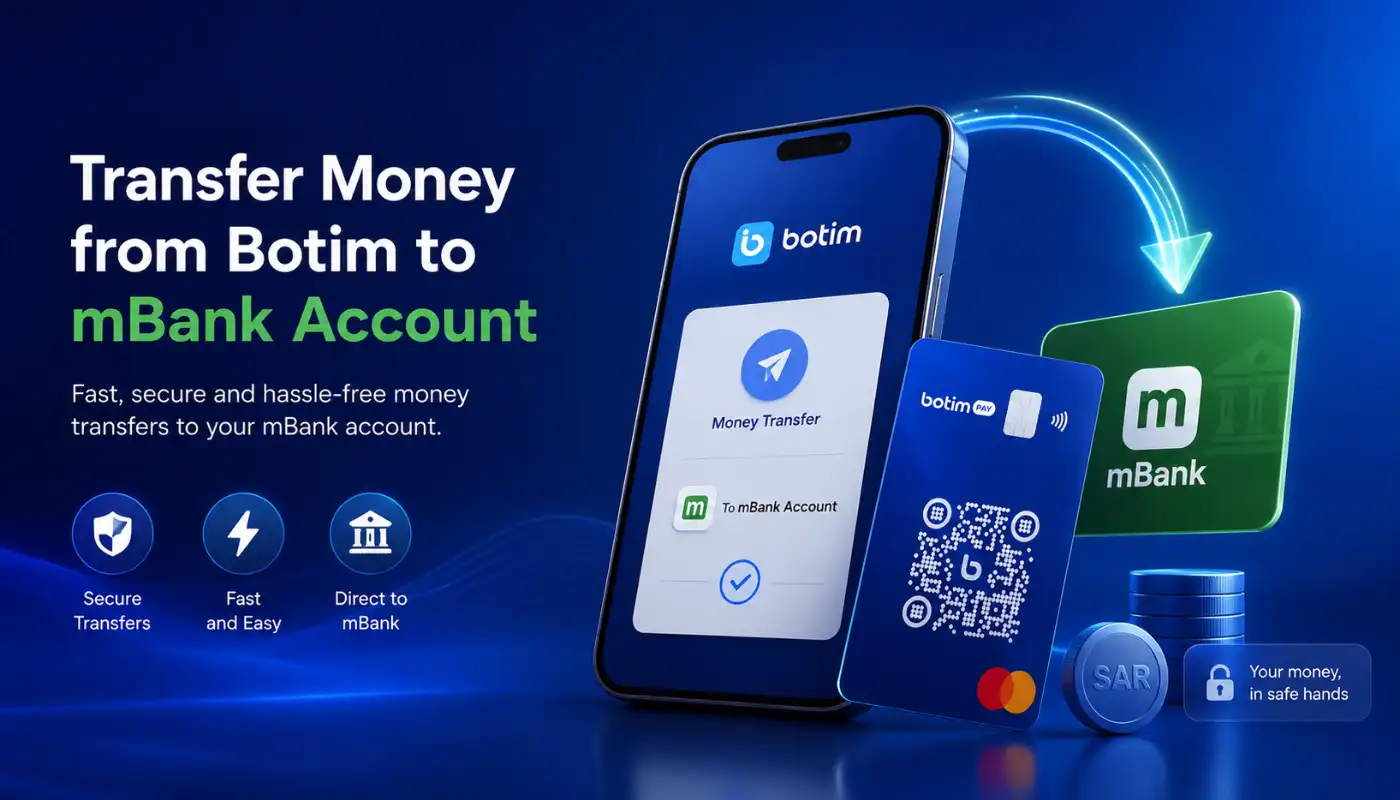
Quick Answer: To transfer money from Botim to your Mbank account, open the Botim app and tap the ‘Botim Money‘ tab. Select ‘Withdraw‘, choose ‘UAE Bank Account‘, and enter your Mbank IBAN along with the transfer amount. You can also select the ‘Aani‘ option for an instant withdrawal by entering your registered phone number.
Figuring out how to transfer money from Botim to mbank account doesn’t have to be a headache. Millions of users across the UAE, India, Pakistan, and beyond rely on Botim for much more than just catching up on video calls.
It’s transformed into a powerful financial tool for managing daily cash. Getting your funds out of the app and into your Al Maryah Community Bank (Mbank) account takes just a few simple taps.
How Do You Send Funds to Mbank?
You have a couple of solid options for getting your money out of the Botim wallet. You can do a standard bank withdrawal or use the super-fast Aani network.
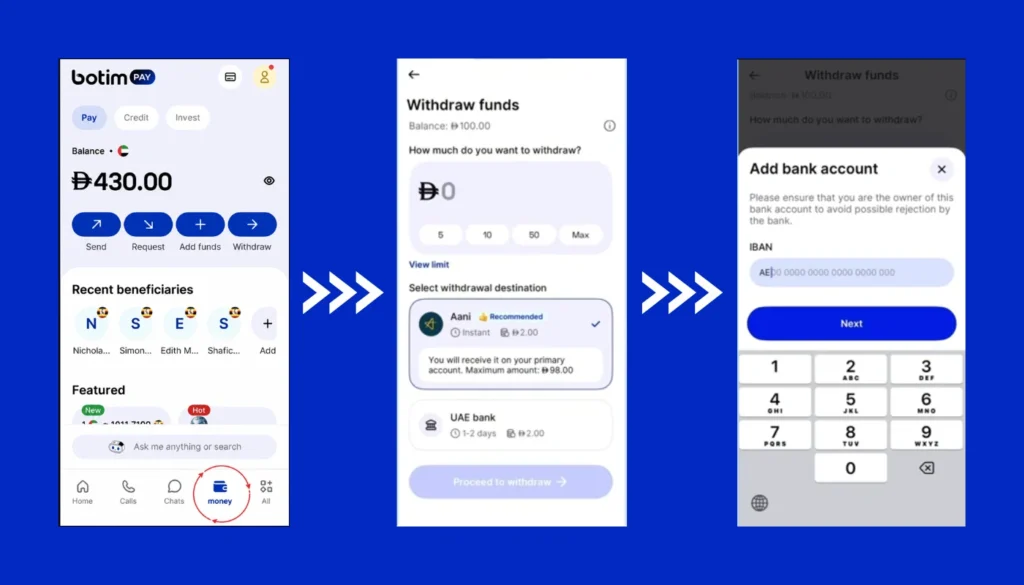
Option 1: The Standard Bank Withdrawal
This is the traditional route to move your cash. It’s straightforward and works perfectly if you have your bank account details handy.
- Open your Botim app and tap on the ‘Botim Money‘ or ‘Wallet‘ tab.
- Select the ‘Withdraw‘ option from the main menu.
- Choose ‘UAE Bank Account‘ as your destination.
- Type in your Mbank IBAN carefully to avoid any bounce-backs.
- Enter the exact amount you want to transfer.
- Confirm the details and authenticate the transfer with your PIN or Face ID.
Option 2: Instant Transfer Using Aani
Mbank is fully integrated with Aani, the UAE’s instant payment network. This makes moving your Botim balance incredibly fast.
- Go to the ‘Botim Money‘ screen and hit ‘Withdraw‘.
- Enter the specific amount you wish to move.
- Select ‘Aani‘ as your preferred withdrawal method.
- Enter the phone number that is linked to your Mbank account.
- Approve the transaction with your passcode to finalize it.
What Are the Fees and Limits?
Nobody likes surprise charges when moving their own money. It really helps to know exactly what you’ll pay before you hit send.
- Botim charges a flat fee of AED 2.00 per withdrawal to any UAE bank account.
- Your registered name on Botim must perfectly match your Emirates ID and your Mbank account.
- Daily and monthly withdrawal limits apply based on your account’s verification level.
- Aani transfers might have different fee structures depending on current network promotions.
How to Fix Common Transfer Issues?
Sometimes technology glitches or we just make a small typo. If your money hasn’t arrived in your Mbank account, check these common culprits.
- Double-check your IBAN, because one wrong digit stops the whole process.
- Make sure your Botim KYC (Know Your Customer) details are fully updated with a valid Emirates ID.
- Ensure your Wi-Fi or mobile network connection didn’t drop during the confirmation step.
- Look out for pending app updates, as older versions of Botim can sometimes cause transfer bugs.
Final Thoughts
Moving your funds from your digital wallet to your bank is incredibly simple once you know exactly where to look. Whether you choose the standard IBAN route or the instant Aani network, your cash is highly accessible.
Keep an eye on that small transfer fee, and make sure your profile names match up perfectly. Getting your digital wallet fully connected saves you a massive amount of time when managing your finances across borders.