
Quick Answer: Internet problems, outdated apps, server issues, or permission issues could cause BOTIM to cease functioning. In this article, you will learn some basic troubleshooting tips and tricks to get past the problem quickly: check your connection, update BOTIM, clear cache, and reinstall it.
This article talks about why BOTIM might not work on your device. It provides some simple solutions to have it back in action.
First, if your BOTIM is not working, make sure your internet calling plan with BOTIM hasn’t been renewed.
Check Out: How to Know if Someone Blocked You on Botim
So why isn’t Botim working?
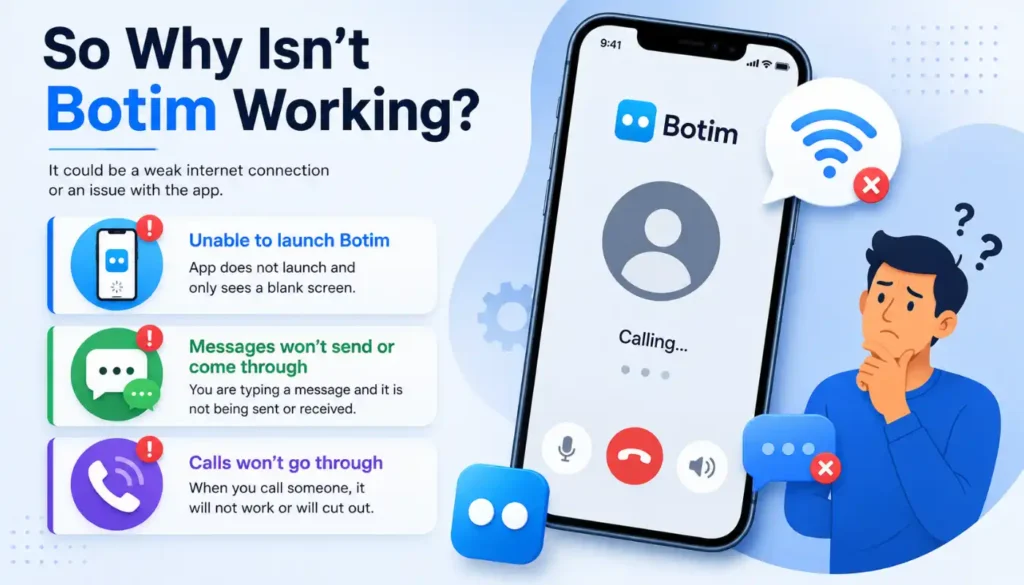
Okay, let’s find out what is not working properly. This may be due to the weak internet connection or the app’s functionality.
Here are some things you may be seeing:
- Unable to launch Botim: App does not launch and only sees a blank screen.
- You are typing a message and it is not being sent or received: Messages won’t send or come through. Nor are you receiving any messages.
- Callers will go through: When you call someone, it will not work or will cut out.
Troubleshooting Steps for Botim Not Working Issue
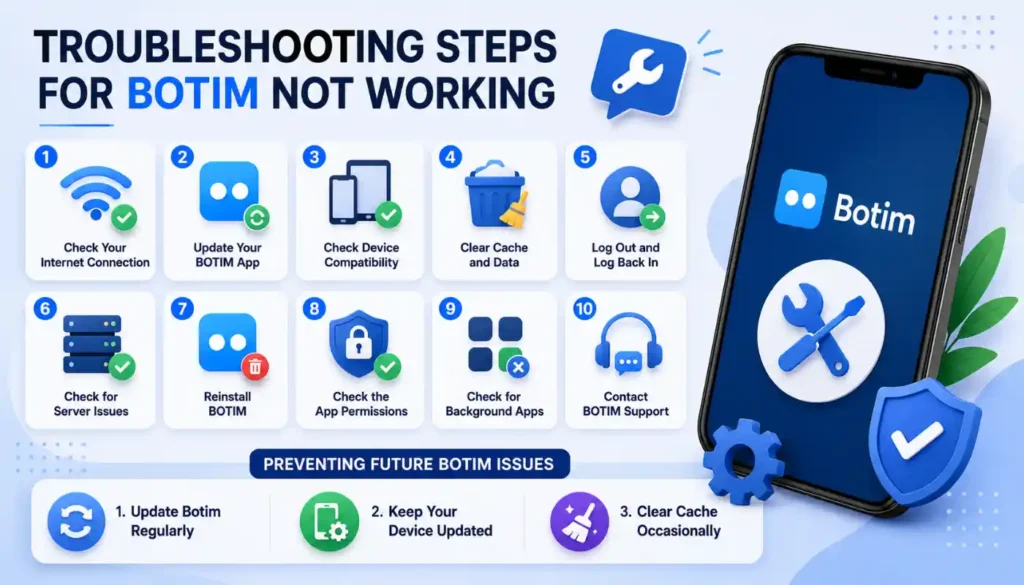
- Check Your Internet Connection
- Update Your BOTIM App
- Check Device Compatibility
- Clear data and cache on an
- Android device
- iOS
- Log out of the computer and log in again.
- Check for Server Issues:
- Reinstall BOTIM
- Check the App Permissions Ensure there are no background apps present. Confirm there is no background apps.
- Check for Background Apps
- Contact BOTIM Support
1: Check Your Internet Connection
Before discussing issues unique to BOTIM, let’s begin by addressing the fundamentals. For messaging and/or calling apps to function, you must have a reliable Internet connection. Test for a good WiFi signal or a reliable cell phone connection.
2: Download the latest version of BOTIM app. Update your BOTIM App.
Using outdated apps can cause problems with compatibility and performance.
On the device, go to the App store (Google Play for Android and the Apple App Store for iOS) and check if there was an update for BOTIM.
Download and Install the latest one to benefit from bug fixes and improved functionality.
3: Check Device Compatibility
BOTIM is compatible with several devices, and verify if your device is compatible with BOTIM’s system requirements. BOTIM might not be compatible or well working on old or outdated equipment.
4: Clear Cache and Data.
Android
If you are using BOTIM on an Android mobile phone then the cache and data gathered can cause your phone to slow down. To get rid of them, follow these steps:
- Tap the “Settings” on your device.
- Go to “Apps” or “Application Manager“.
- Look for and click on “BOTIM“.
- Tap on “Storage.”
- Click on “Clear Cache.“
This will delete files that are no longer needed and may solve problems.
Don’t delete data; otherwise, the data of your app will be erased and you will need to re-enter all the data.
iOS
IOS doesn’t have an option to do this directly, but if you delete and install again it will do the trick.
5: Click the Log Out and Log In link.
Sometimes a simple log-out and log-in will re-establish the connection between your BOTIM app and the server and clear up minor problems.
6: Check for Server Issues:
BOTIM communicates with the help of servers. Occasionally, due to maintenance or other temporary problems, services to students may be interrupted.
Listen to any announcements on the BOTIM official website or social media.
7: Reinstall BOTIM
In the event that the above fails, you should uninstall and reinstall BOTIM.
This could assist you to deal with continuous problems and give you a fresh start.
Before you do so, make a backup of your conversation history.
8: Select the App Permissions option. Tap the App Permissions option.
Ensure that Botim is properly authorized to operate.
Android
Go to:
From Settings > Apps & notifications, select Botim and then Permissions.In Settings, go to Apps & notifications, then Botim, and finally Permissions.
Make sure that all permissions are enabled.
iOS
Go to:
Settings > Privacy > Botim
Enable any permissions that are turned off.
9: Check for Background Apps
Other background apps may use up your device’s resources and disrupt BOTIM’s operation. Close unused apps to conserve processing power, memory.
10: Contact BOTIM Support
So if you have exhausted all of the above, and still Botim is not working, feel free to contact their support team.
They’re there to help! They will often have contact details in their website or app.
When reaching out to them, make sure to explain your problem in detail and any error messages you’re getting.
You can prevent future botim problems by following these tips.
- Update Botim Regularly
- Keep Your Device Updated
- Clear Cache Occasionally
1: Update Botim Often
When there’s a new version, make sure to install it.
2: Be sure to update your device regularly.
Updating its software can fix issues and make things run better.
3: Clear Cache Occasionally
In some instances, clean out the cache. This can prevent undue problems with too many temporary files.
Botim Not Working Today
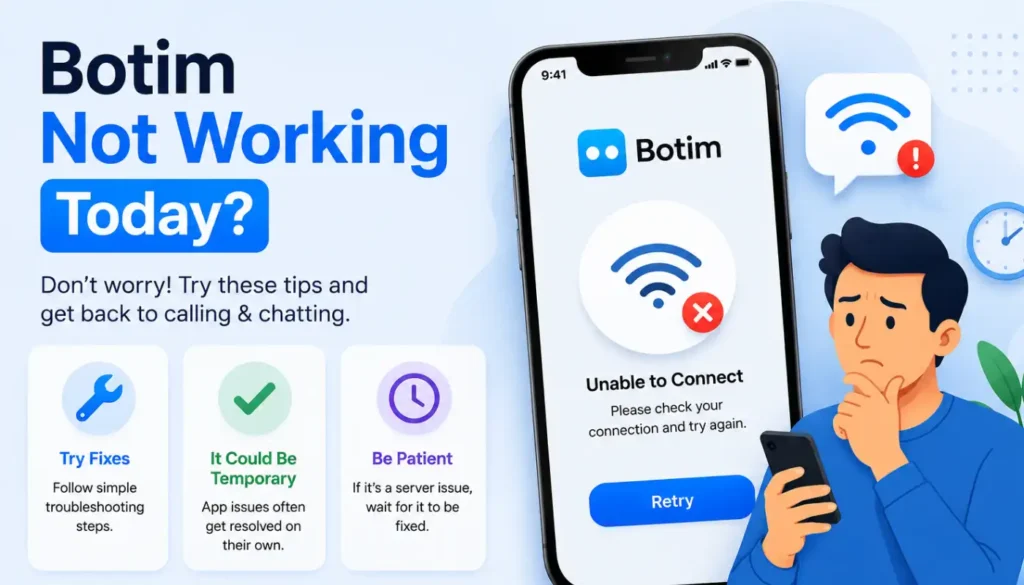
When BOTIM isn’t functioning, it can be annoying. But don’t despair, there are things you can do to make it work and hopefully get it back up and running.
We discussed what issues people might have if BOTIM is not working, and other ways of solving them that may work for you.
Remember there are times when apps will have issues but correct themselves.
Also, if there is a problem on the system’s side, then you can wait and wait until the problem gets fixed.
Why Botim is Not Working Even though it is Paid?
If a paid service, like BOTIM, is not working out as intended, it can be a turn off.
If you are a paid subscriber, some possible causes for these problems:
- Server Issues
- Account Issues
- App Updates
- Network Issues
- Firewall or VPN
- Contact BOTIM Support
Services that are paid for try to be dependable, such as BOTIM.
Contact their customer service if there are problems.
Check Out: Does BOTIM need VPN in UAE
Botim has not yet had access to the Internet.
BOTIM may not connect because of weak or unstable Internet connection or other restrictions (firewall).
Ensure that you are on a stable internet connection and determine if there are any problems that are preventing BOTIM from connecting.
Post Conclusion
However, there may be technical reasons why we can’t keep in touch.
The majority of not-working issues with BOTIM can be diagnosed and resolved, using the methods outlined in this article.
Ensure a good internet connection. Update your app. Regularly review device settings. This helps to maximize BOTIM’s performance.
If you are still having trouble, please contact BOTIM’s support team.





Botim network is not working error304
Hey Namira, network hiccup! Try restarting Botim/device, check your internet, or see if Botim’s down. Hope it clears up soon!
Thanks for finally talking about > Fixing Botim Not Working Issues
No internet connection an internet is required to complete this action please check your connection and try again error 504
Hey Namira, double-check your internet’s strength and stability. If it’s solid, try restarting your device and Botim. If the issue persists, reach out to Botim support for further guidance.
When I open botim signature failed showing, what i can do